Discovering and mastering the best AI-powered tools to supercharge your coding workflow
AI coding tools are revolutionizing how developers work. Instead of writing everything from scratch, these tools can:
"Think of an IDE like a complete workshop for building things. Instead of having separate tools scattered around, everything you need is in one organized space - your workbench (editor), toolbox (debugger), instruction manual (documentation), and helpers (AI assistance)."
Built from the ground up for AI coding
What it does: Cursor is an IDE specifically designed around AI assistance. It's built on VS Code but adds powerful AI features for generating, editing, and understanding code across multiple files.
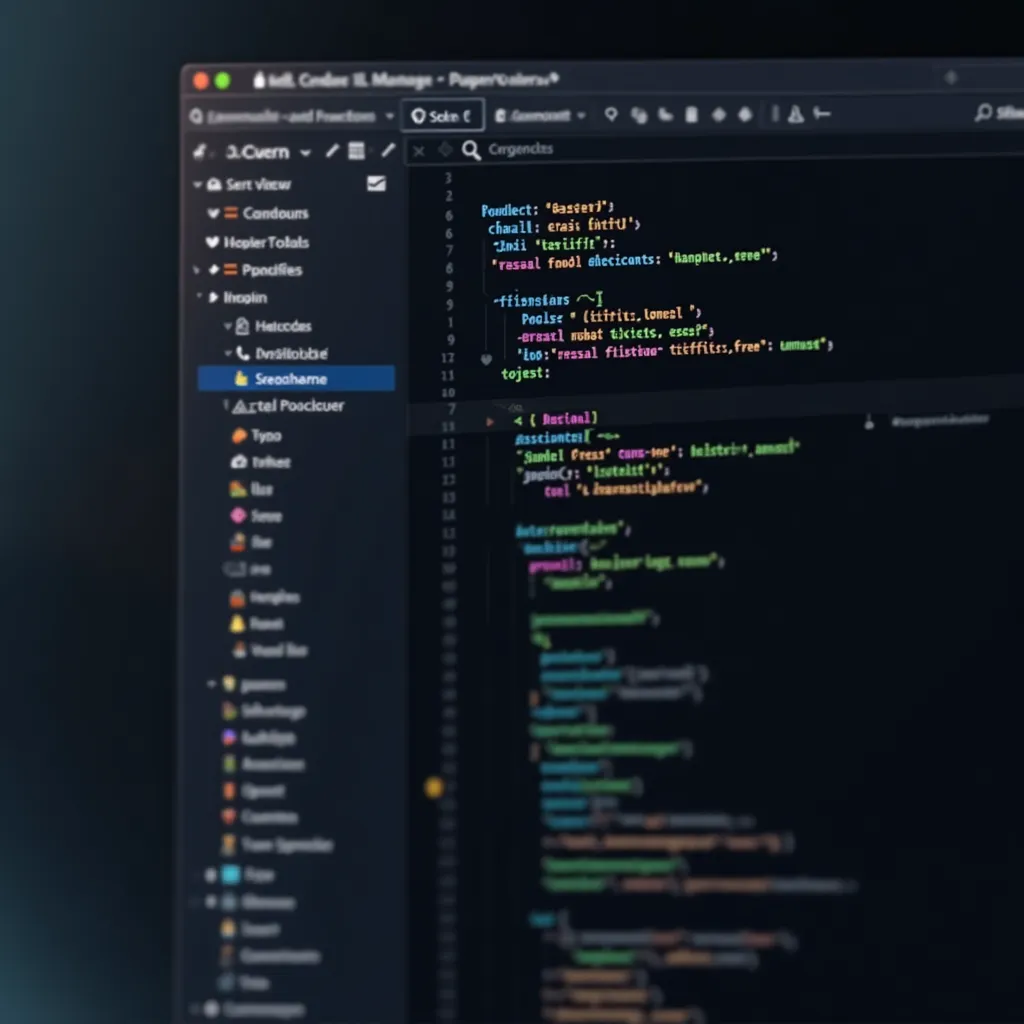
You ask Cursor:
"Create a React component that shows a list of todos with the ability to add, complete, and delete items"
Cursor generates an entire component:
import React, { useState } from 'react';
function TodoList() {
const [todos, setTodos] = useState([]);
const [newTodo, setNewTodo] = useState('');
const addTodo = () => {
if (newTodo.trim() === '') return;
setTodos([...todos, { id: Date.now(), text: newTodo, completed: false }]);
setNewTodo('');
};
const toggleTodo = (id) => {
setTodos(
todos.map(todo =>
todo.id === id ? { ...todo, completed: !todo.completed } : todo
)
);
};
const deleteTodo = (id) => {
setTodos(todos.filter(todo => todo.id !== id));
};
return (
Todo List
setNewTodo(e.target.value)}
placeholder="Add a new task..."
onKeyPress={(e) => e.key === 'Enter' && addTodo()}
/>
{todos.map(todo => (
-
toggleTodo(todo.id)}
/>
{todo.text}
))}
);
}
export default TodoList;
By OpenAI
By Anthropic
What they do: These conversational AI assistants can help with coding through chat interfaces. They're great for explaining concepts, generating code snippets, debugging issues, and brainstorming approaches.
AI coding assistants work by understanding patterns in human language and connecting them to patterns in code. Here's how they transform your descriptions into working code:
The AI identifies programming concepts in your description and matches them to code patterns it has seen millions of times before.
Your existing code, file structure, and surrounding context help the AI understand what you're trying to build.
Human description:
"Create a function that checks if a pet is eligible for adoption based on these requirements: the pet must be at least 2 months old, vaccinated, spayed/neutered, and have completed a basic health check"
AI translates to code:
function isPetEligibleForAdoption(pet) {
// Check if pet meets all adoption requirements
const isOldEnough = pet.ageInMonths >= 2;
const isVaccinated = pet.vaccinationStatus === 'complete';
const isSpayedOrNeutered = pet.isSpayedOrNeutered === true;
const hasHealthCheck = pet.healthCheckStatus === 'passed';
// Return true only if all requirements are met
return isOldEnough && isVaccinated && isSpayedOrNeutered && hasHealthCheck;
}
Think of AI as a really smart assistant that can read and understand your code. Just like when you show a friend your work, the AI looks at everything to understand what you're building.
Imagine you're helping a friend with their homework. You'd look at:
That's exactly what AI does with your code! It's like having a super-smart friend who's really good at reading and understanding programming.
AI is like a really talented assistant - amazing at some things, but it has its limits. Let's be honest about what AI can and can't do:
AI-generated code with a subtle bug for a pet website:
// AI-generated function with a subtle bug
function calculatePetAge(birthYear) {
// Bug: This will give incorrect results because it doesn't account
// for the actual birth month - all pets will age up on January 1st
const currentYear = new Date().getFullYear();
return currentYear - birthYear;
}
// Corrected version after human review
function calculatePetAge(birthDate) {
// Properly calculates age based on full birth date
const today = new Date();
const birth = new Date(birthDate);
let age = today.getFullYear() - birth.getFullYear();
// Adjust age if birthday hasn't occurred yet this year
if (today.getMonth() < birth.getMonth() ||
(today.getMonth() === birth.getMonth() && today.getDate() < birth.getDate())) {
age--;
}
return age;
}
The most effective approach combines AI's efficiency with human judgment:
Think of talking to AI like giving directions to a really smart friend who wants to help, but needs clear instructions!
Just like Goldilocks and the porridge, your requests to AI need to be "just right" - not too detailed, not too vague!
Example:
"Make a pet page with exactly 3 columns, blue cards with 10px corners, Roboto font, 6 pets per page, red buttons..."
Example:
"Make a pet website."
Example:
"Create a pet adoption page with cards showing each pet's photo, name, and details. Make it work on phones and include a way to contact about adoption."
Think of AI like a new teammate who just joined your project. The more you tell them about what you're building, the better they can help!
"We have pets like: { name: 'Buddy', age: 3, breed: 'Golden Retriever' }"
"My pet website has: Home page → Pet gallery → Individual pet pages → Contact form"
"Step 1: Show all pets in cards → Step 2: Add filter buttons → Step 3: Make it work on phones"
"Each pet card: Photo on top → Pet name (big text) → Age and breed → 'Meet Me!' button"
AI works best when you treat it like a conversation! Don't expect perfection on the first try - keep chatting until you get exactly what you want.
"Create a pet gallery with cards"
"Hmm, cards are too small"
"Make cards bigger and add pet ages"
"Exactly what I wanted!"
Why human review remains essential:
// AI-generated function with a subtle bug
function calculateDiscount(price, percentage) {
// Bug: This will give incorrect results for decimal percentages
// like 0.1 for 10% because it's not converting to decimal form
return price - (price * percentage);
}
// Corrected version after human review
function calculateDiscount(price, percentage) {
// Properly converts percentage to decimal form
return price - (price * (percentage / 100));
}
Avoiding security vulnerabilities in AI-generated code:
| Security Risk | Why AI Might Miss It | Prevention Strategy |
|---|---|---|
| Input validation | Often focuses on happy path | Explicitly check sanitization |
| SQL injection | May generate string concatenation | Enforce parameterized queries |
| Auth bypasses | Might skip authorization checks | Verify all access control paths |
| Hardcoded credentials | Sometimes includes placeholders | Scan for secrets and credentials |
| Outdated libraries | Knowledge cutoff limitations | Run dependency scanners |
Areas where AI-generated code typically needs optimization:
Performance comparison of generated vs. optimized code
Using AI tools effectively while developing your skills:
Exploring the major AI-powered development tools including Cursor IDE and conversational assistants like ChatGPT and Claude.
Learning how AI translates natural language to code, recognizes patterns, and provides context-aware completions.
Discovering the techniques for writing clear and specific prompts that generate better code and solutions from AI tools.
Leveraging AI to identify and fix bugs, explain code, and find solutions to complex development problems.
Now that you're familiar with AI development tools, it's time to learn how to master Cursor IDE: